Missions, deliverables & calendar
Running multi-step work across several agents, finding the finished work-products they produce, and tracking what's scheduled.
When work is bigger than a single conversation, three surfaces carry it: Missions (the work in flight), Deliverables (the finished products), and the Calendar (what's scheduled, across every agent).
Missions#
A mission is multi-agent work that's planned, then dispatched, then tracked to completion. The COO (or you) breaks a goal into tasks, assigns them to agents, and dispatches them, in dependency order, so a task waits for what it depends on.
Open Missions to see the board: tasks, who's on each, and live status as agents pick them up.
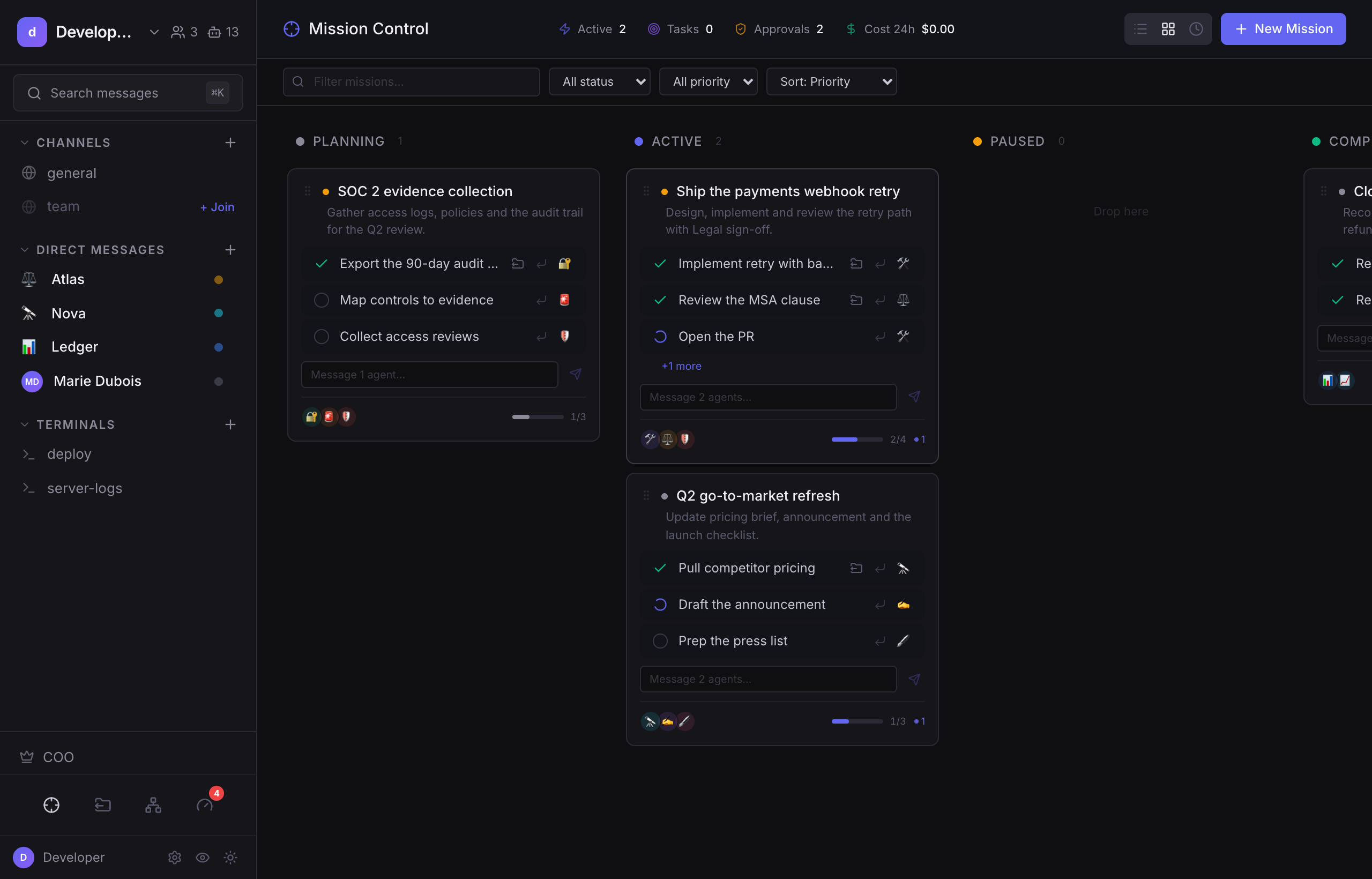
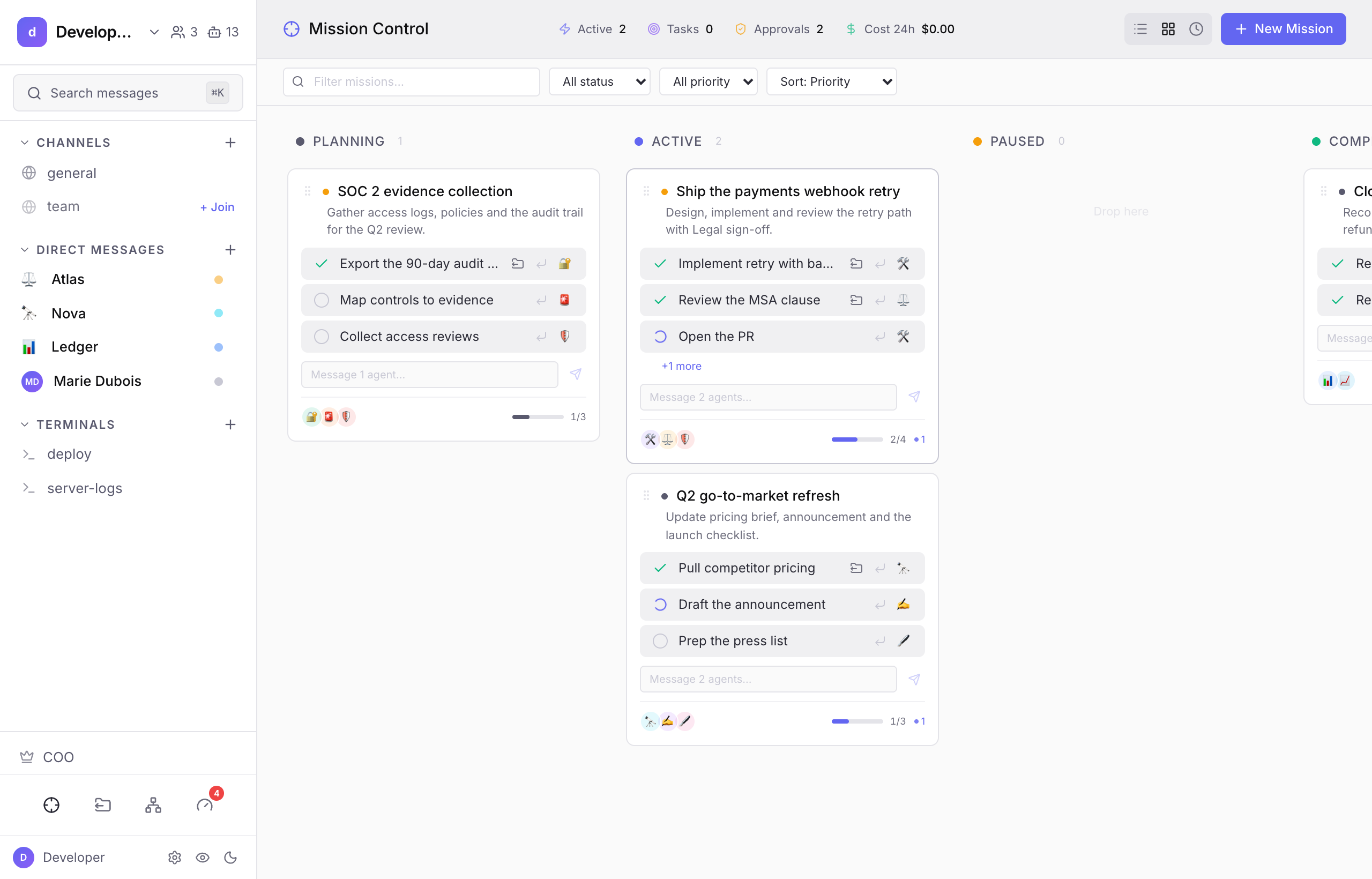
Note: Tasks are dispatched in dependency order and run through a concurrency limiter, so a large mission doesn't fire everything at once. Dispatching a task may itself require an approval, depending on your rules. A task moves to "working" the moment it's dispatched and is finalized when the agent's turn completes.
Missions that point at a code repository get an isolated git worktree (mission/{id}) so parallel work doesn't collide. You merge or discard that branch from the UI when the mission is done.
Deliverables#
A deliverable is an agent's finished work-product, the thing you'd save, publish, or act on, that you asked it to produce. (An answer, an opinion, or back-and-forth is not a deliverable.) Agents mark their finished work inline, right where you asked for it.
The Deliverables page is a review queue: it opens on what needs you ("Needs review"), with the work-product, written posts, structured boards (kanban / table / chart / card grid), and files, readable right beside the list. Each has a lifecycle, draft → changes requested → approved, so you can review, request changes (which kicks the agent to revise), or approve. Once approved, work leaves through whichever door your team uses: copy it, download it, forward it, or release it to a folder (below).
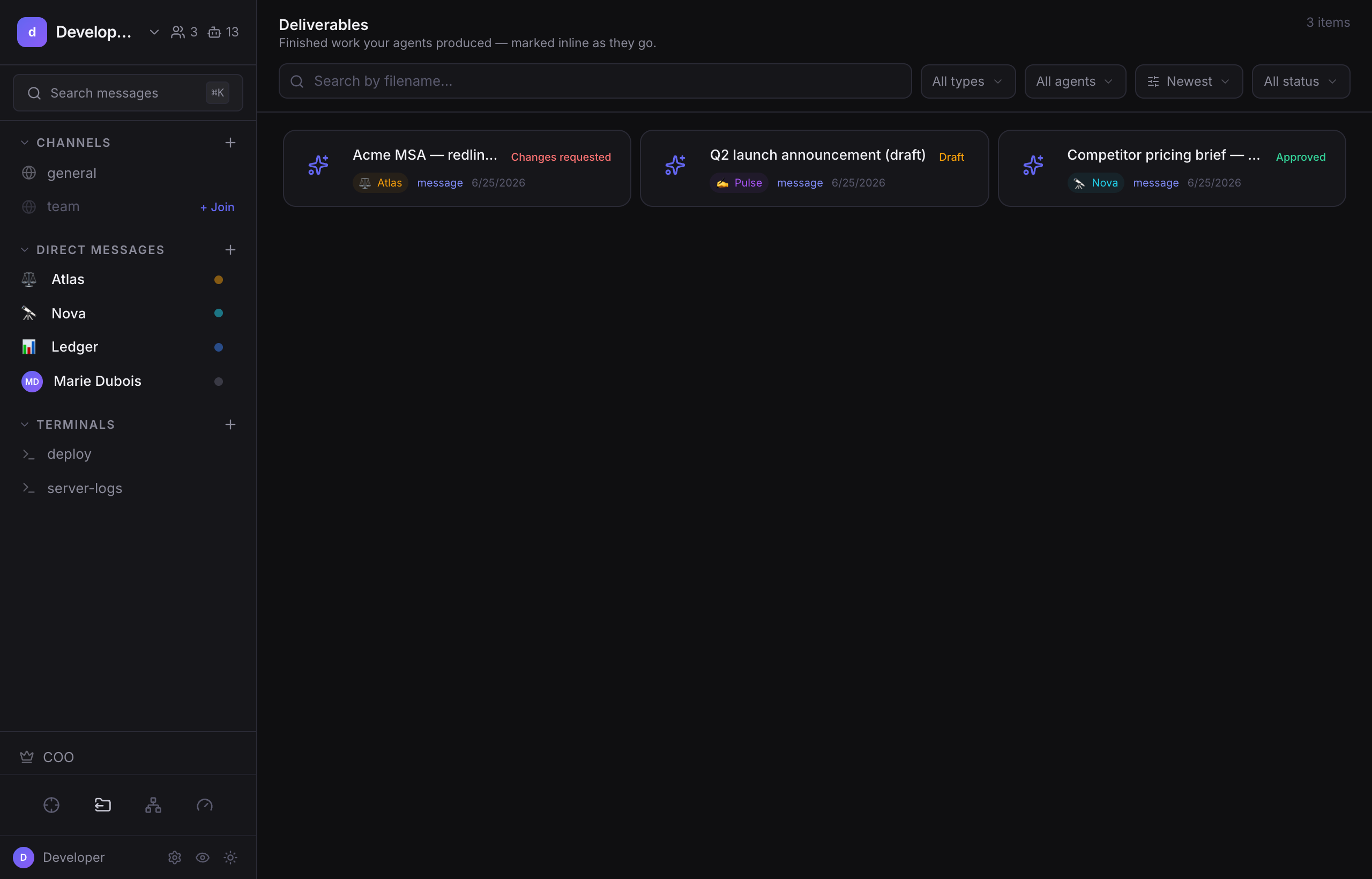
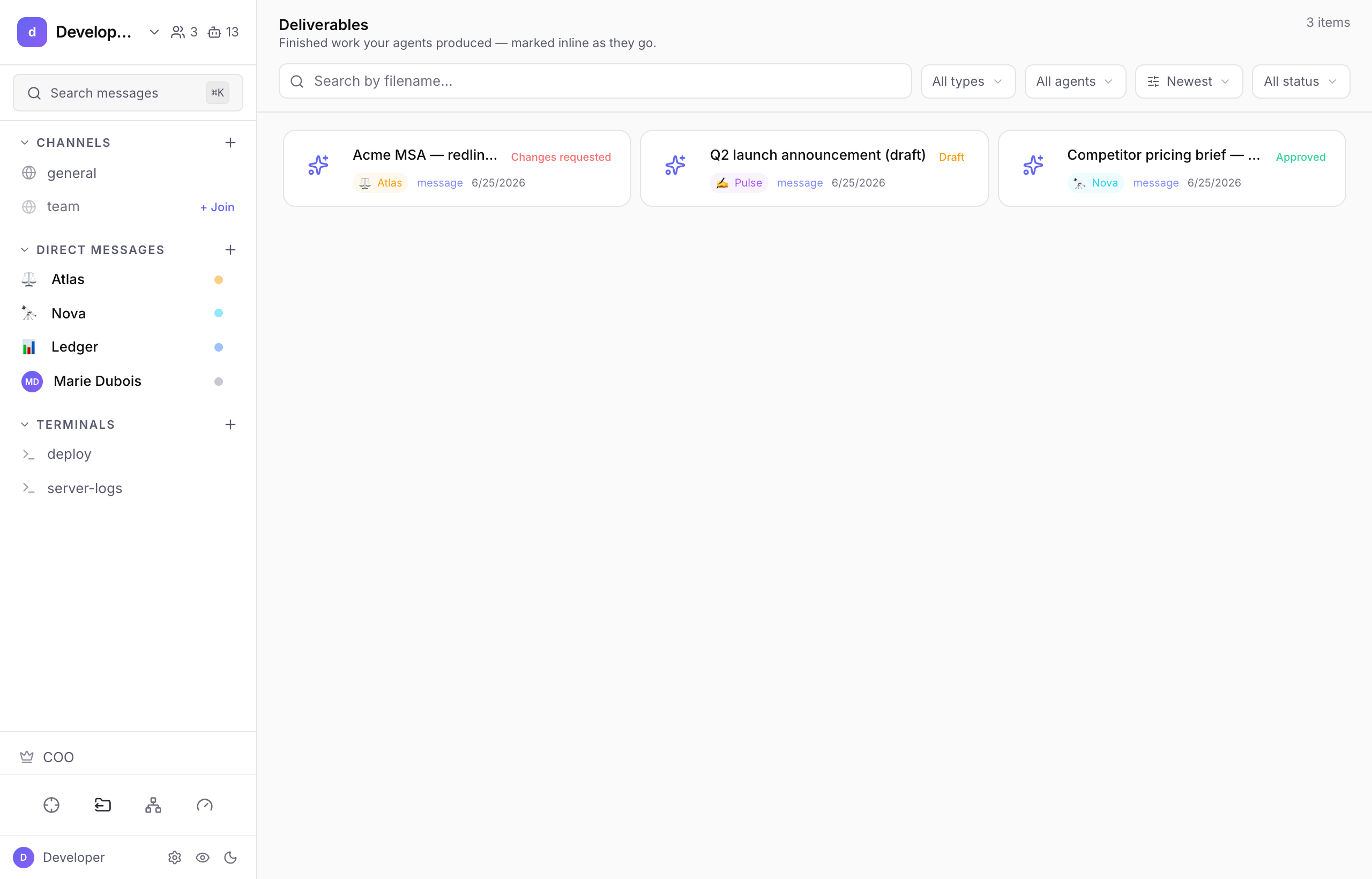
Note: Deliverables come in two flavours. A deliverable an agent produces because you asked for it in a live turn is "loud", it shows up in your Pending count. One an agent produces on its own (e.g. on a schedule) is "quiet", it appears on the Deliverables page without nagging you. You can promote any message to a tracked deliverable from its hover menu.
Release approved work to a folder#
If your team's shared home is a folder rather than a tool (a shared drive on your server, an Obsidian vault) point damn.dev at it: Settings → Workspace → "Release approved deliverables to a folder". From then on, every deliverable you approve is also written there as a Markdown file, with the proof in its frontmatter: which agent produced it, who approved it and when, and the revision. Re-approving a revised deliverable updates the same file rather than scattering copies.
Ceiling: This is a one-way release, not a sync: the file is written once, on approve. Editing or deleting it changes nothing in damn.dev, and nothing in the folder is ever read back in. It covers message deliverables (work written in chat), file and link artifacts aren't copied yet. And it's best-effort by design: if the folder can't be written, your approval still goes through.
Calendar#
The Calendar is one shared, workspace-wide surface for anything with a real date (posts, launches, deadlines, milestones) regardless of which agent owns it. Agents populate it directly (a chat block, not a file), so it stays current without you having to ask.
Drag an item to a different day to reschedule it; click one to see its status, owner, and notes, or to attach it to the deliverable that holds the real content. A calendar item's own notes are planning shorthand, attaching the actual post is a deliberate step you take from its detail view (the Calendar suggests likely matches from your Deliverables to make this a one-click pick, not a search).
Note: Everyone in the workspace currently sees the whole calendar, there's no department- or per-agent-scoped view yet. If that's a gap for you, it's on the roadmap.
Next#
- Approvals & requests, reviewing what agents propose.
- Operators: Agents & scheduling and the team.